Summary
RAG lets a model answer from your own documents by searching them first and handing over the best passages along with the question. It is really two pipelines: one that prepares documents ahead of time, and one that searches and answers when someone asks. Most quality problems come from the search, permissions, and stale data, not from the model.
Why RAG exists
Language models have a well-known flaw. They sound confident when they are wrong. They also stop learning at a training cutoff, and they know nothing about your database, your private code, or your company wiki.
Retrieval-Augmented Generation closes that gap. Before the model answers, the application looks up the relevant pieces of your own documents and passes them in with the question. The idea comes from a 2020 paper, and today the name covers the whole search-then-answer system.
I will use one example all the way through: someone asks “What is our refund policy?”
Two pipelines, not one
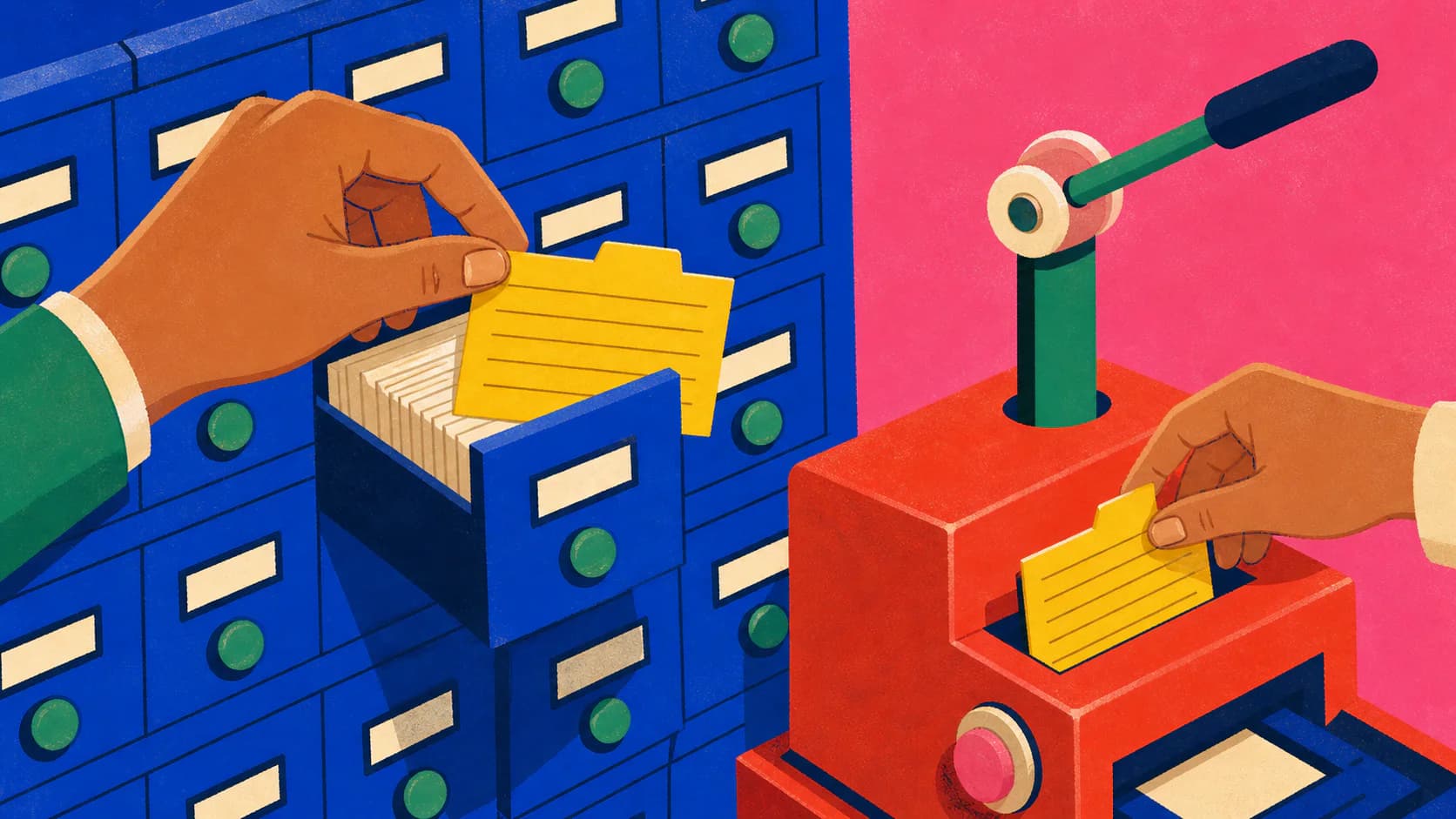
At its heart RAG is two separate jobs. One prepares your documents so they can be searched. It runs ahead of time, on a schedule or whenever a document changes. The other answers a question, and it has to finish while the user is waiting.
- Offline: ingest source documents.
- Parse and normalize their structure.
- Chunk the content and attach metadata and access controls.
- Create embeddings and write searchable records to a hybrid index.
- Online: receive a user question and rewrite or embed it.
- Retrieve candidates the caller may access.
- Rerank and filter those candidates.
- Assemble a bounded context with citations.
- Generate a grounded answer and return its sources.
Keeping them apart pays off later. You can re-index documents without touching the answer API, swap one search component without re-reading every file, and test the search separately from the writing.
Indexing: getting documents ready to be found
You do not hand a 100-page PDF to a model. You parse it, split it into chunks of a few paragraphs, and run each chunk through an embedding model. That turns the text into a long list of numbers that captures its meaning, so chunks about similar things end up close together. The numbers go into a vector database such as Pinecone, Qdrant, or Postgres with pgvector.
- A source document changes.
- Parse it and keep its structure.
- Chunk around meaning.
- Attach metadata and access controls to every chunk.
- Embed the chunk and add it to the lexical index.
- Write both into the hybrid index.
- When a source is deleted, delete its chunks from the index.
Most of the quality is decided here, in places that have nothing to do with the embedding model. Splitting by a fixed number of characters cuts ideas in half, so split along the document’s own structure: headings, tables, code blocks. Exact terms such as error codes and product names are easy for embeddings to blur, so keep an ordinary keyword index next to the vectors. And when a document is deleted, its chunks have to go too, or the old refund policy will keep winning searches.
Answering: search wide, then narrow
When the refund question arrives, it is embedded the same way, and the database returns the chunks whose numbers are closest. In the simplest version you take the top five, paste them into the prompt, and tell the model to answer only from that text.
- Expand the user question into search queries.
- Use dense and lexical search to gather a broad candidate set.
- Merge results and enforce permission and metadata filters.
- Rerank candidates for the actual question.
- Remove duplicates and low-value passages.
- Pack the strongest evidence into the available context budget.
The catch is that similar is not the same as correct. Last year’s refund policy is just as similar to the question as this year’s. So a serious system adds a second step, a reranker, which reads a shortlist more carefully and reorders it, and it shows the sources next to the answer so a reader can check how fresh they are.
def answer(question: str, principal: Principal) -> Answer:
    queries = query_planner.expand(question)

    candidates = retriever.search(
        queries=queries,
        filters={"acl": principal.effective_groups},
        limit=40,
    )

    ranked = reranker.rank(question, candidates)
    context = context_builder.pack(ranked, token_budget=6_000)

    return generator.generate(
        question=question,
        evidence=context,
        require_citations=True,
)Retrieval is not attention
These two get mixed up, so it is worth a minute. Retrieval happens outside the model: it decides which text goes into the prompt. Attention happens inside the model: it decides how the words already in the prompt affect each other.
- The application receives a user question.
- Retrieval searches an external corpus for relevant, allowed passages.
- The application combines the question and selected passages into a prompt.
- Inside the Transformer, self-attention relates tokens in that prompt.
- The generator produces an answer from those token representations.
It matters when you debug. If the refund policy never made it into the prompt, nothing inside the model can bring it back, and you have a search problem. If it was in the prompt and the answer ignored it, search did its job and the problem is in how you built the prompt.
Where Q, K, and V fit
Inside a Transformer, attention compares a query with keys to decide how much weight each value gets: softmax(QKᵀ / √dₖ)V. It comes from Attention Is All You Need. It describes how supplied text is processed, not how an application finds documents.
When the simple version stops working
There is a growing list of RAG variants, and it is tempting to treat them as levels to climb. They are better read as fixes. Each one answers a specific way the simple version fails.
- Start with naive RAG as the baseline.
- If exact names, identifiers, or codes are missed, add hybrid and fusion retrieval.
- If the right passages are found but ordered badly, add a reranker.
- If evidence is weak or off-topic, add corrective RAG.
- If the question needs follow-up searches, use agentic RAG.
- If the answer lives in relationships between entities, use graph RAG.
- If nothing fails, keep the baseline.
Fusion RAG rewrites the question several ways and merges the results. Corrective RAG grades what was retrieved and looks elsewhere when it is weak. Agentic RAG lets the model decide whether to search, where, and whether to search again, at a cost in speed and money. Graph RAG stores how things relate to each other, for questions whose answer is spread across many documents.
Start with the simple version, find out how it fails on your own questions, and add only the fix for that failure.
Three ways to build it
In Python you have three realistic routes.
The first is the raw SDKs. You call the embedding model, run the vector search, and format the prompt yourself. You are not fighting a framework, and you can use provider features such as prompt caching that frameworks tend to hide. The cost is that you write and maintain all the glue.
The second is an orchestration framework like LangChain. It gives you document loaders, splitters, and retrievers that snap together, and it is very hard to beat for a prototype. When something goes wrong, though, debugging a long chain of abstractions is frustrating.
The third is a packaged stack such as OpenRAG, which combines Docling for parsing, OpenSearch for hybrid search, and Langflow for orchestration. A basic RAG app takes a weekend. A production one takes months of unglamorous tuning, and a packaged stack has already done much of it. You give up some control over the architecture in exchange.
When an answer is wrong
A demo is done when it answers one question. A real system has to keep answering while documents, permissions, and the way people phrase things all change. When it gets one wrong, work out which half failed before you change anything.
- An answer is wrong.
- Ask whether the needed evidence was retrieved.
- If not, debug ingestion, chunking, and search.
- If it was, ask whether it reached the prompt.
- If not, debug reranking and context assembly.
- If it did, debug prompting and generation.
A single quality score cannot tell you that, so measure the halves separately. For search: did the right passage come back, and how often does nothing come back? For answers: is every claim supported by a source, and does the system say “I don’t know” when the evidence is thin? Then keep an eye on how stale the index is, and on the time and cost of each stage.
References
- Retrieval Augmented Generation (RAG 101)
Abhishek Choudhury. Original article, published February 2025.
- Retrieval-Augmented Generation for Knowledge-Intensive NLP Tasks
Patrick Lewis et al.. The 2020 paper that introduced the RAG formulation.
- Attention Is All You Need
Ashish Vaswani et al.. The Transformer architecture and scaled dot-product attention.
- Corrective Retrieval Augmented Generation
Shi-Qi Yan et al.. Retrieval evaluation and corrective knowledge actions.
- GraphRAG indexing overview
Microsoft Research. A current reference implementation of graph-based indexing.
- What is OpenRAG?
OpenRAG. A representative packaged, open-source RAG stack.